
Field Notes · October 19, 2026 · Disney Cruise Line
Disney Cruise Internet Guide
Wi‑Fi plans, Navigator app, cellular roaming, eSIMs and how to stay connected at sea
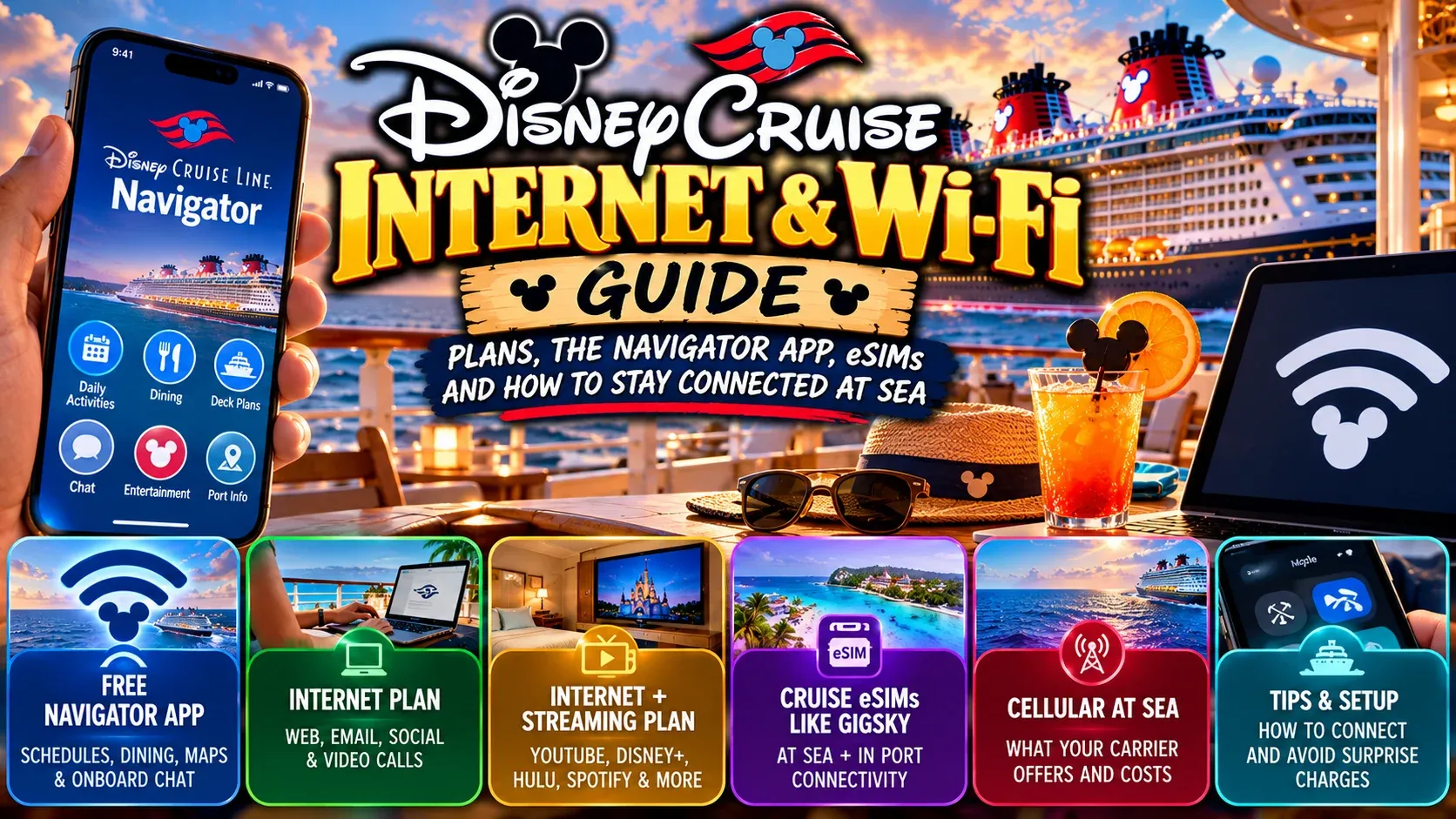
You can absolutely use the internet on a Disney cruise. The more useful question is: how connected do you actually need to be?
Disney currently offers two paid Wi‑Fi options:
- Internet Package
- Internet + Streaming Package
The free Disney Cruise Line Navigator app also works through the ship's DCL-GUEST Wi‑Fi network without requiring a paid internet package.
There is also another option worth understanding: cruise-capable eSIM service. Providers such as GigSky offer Cruise and Cruise + Land plans that can connect through supported maritime networks offshore and then switch to supported cellular networks in port.
Quick Answer
- Only need Disney schedules and family messaging? Buy nothing.
- Need email, social, browsing and video calls? Internet Package.
- Need YouTube, Disney+, Hulu or long-form streaming? Internet + Streaming Package.
- Want ship + port cellular connectivity? Compare a supported Cruise + Land eSIM such as GigSky.
- Want to disconnect? Airplane Mode + Navigator app.
Internet Package
Designed for web browsing, email, social media, Messenger, Instagram, TikTok, FaceTime, WhatsApp, Zoom and short-form social video.
It does not support long-form streaming services such as YouTube, Disney+ and Hulu.
Internet + Streaming Package
Adds support for services such as Disney+, Hulu, ESPN+, YouTube, Spotify and Apple Music.
Game streaming may still be inconsistent because satellite internet at sea has inherent limitations.
Pricing
Do not hard-code a universal Disney Wi‑Fi price into an evergreen article. Disney directs guests onboard to the Navigator app to view current plans and sailing-specific pricing.
Navigator App Is Free
The app itself is free. Onboard, its ship functions work over DCL-GUEST without purchasing general internet.
You can access schedules, character appearances, entertainment, movies, dining, menus, youth-club information, port information, your itinerary, deck plans and onboard chat.
Family Messaging
Navigator includes onboard chat, which is useful when kids and teens begin moving around the ship independently.
Download the App Before Sailing
Install it before vacation, log in and make sure it works. Do not create an avoidable problem by waiting until you are onboard.
How to Connect
Typical Disney setup:
- Turn on Airplane Mode.
- Turn Wi‑Fi on.
- Select DCL-GUEST.
- Open Navigator.
For paid internet, follow Disney's current setup instructions and disable VPN/private-network features if needed.
Why Airplane Mode Matters
If normal cellular roaming remains enabled, your phone may connect to maritime or international networks without caring what that costs.
Airplane Mode prevents many unpleasant surprises.
Cellular at Sea
Disney also supports maritime cellular service. Carrier-specific cruise plans may be available, but do not assume your normal unlimited plan covers maritime roaming.
Can You Work From a Disney Cruise?
Potentially. Disney supports email, web, Zoom, FaceTime and WhatsApp on the standard package.
But satellite connectivity varies. I would not schedule a make-or-break work presentation from the middle of the Caribbean.
Content Creators
For uploading Reels, YouTube video or large photo galleries, internet needs change dramatically.
My approach:
- create onboard
- organize onboard
- publish lighter social content
- save large uploads for port/hotel/home Wi‑Fi unless immediate publishing genuinely matters
Download Everything Before Sailing
Download movies, music, podcasts, books, audiobooks, maps and travel documents before the trip.
Cruise eSIMs
Cruise-capable eSIMs such as GigSky can connect to supported maritime networks and, with Cruise + Land plans, supported local networks in port.
Coverage depends on the exact ship and route. Verify support before purchase.
Cruise coverage typically starts once the ship is offshore and connected to the maritime network.
For how to check whether GigSky supports your Disney ship and set it up without roaming surprises, see Does GigSky Work on Disney Cruise Line?
Disney Wi‑Fi vs Cruise eSIM
Disney Wi‑Fi advantages
- built for the ship
- easy purchase in Navigator
- streaming tier available
- works without an unlocked eSIM phone
GigSky advantages
- potential ship + land connectivity
- can work beyond the vessel
- automatic transition across supported networks
- hotspot capability where supported
Disney drawbacks
- ship-focused
- extra purchase
- satellite limitations
eSIM drawbacks
- ship must be supported
- device must support eSIM
- phone generally needs to be unlocked
- coverage varies by route/network
There is no universal winner.
Should You Use Both?
Potentially, especially for people who genuinely need redundancy for business or content creation.
Most vacationers do not need both.
Bahamas Strategy
For a short Bahamas cruise, I would strongly consider free Navigator only if work connectivity is not required.
7-Night Caribbean Strategy
A week is long enough that paid connectivity may make sense. Compare Disney Wi‑Fi, Cruise + Land eSIM and your carrier's cruise offering.
Alaska Strategy
Land cellular coverage may reduce the need for paid ship Wi‑Fi, but do not assume service is available during scenic cruising.
Europe Strategy
Cruise + Land eSIMs become more attractive when moving across multiple countries.
Biggest Internet Mistakes
- Leaving the phone configured exactly like it is at home.
- Paying for expensive internet because you are afraid of being disconnected.
Tiki Tim's Disney Cruise Internet Rule
Start with the free Navigator app.
Then add connectivity based on an actual need.
Need email + social + web? Look at Disney's Internet Package.
Need streaming + heavy media? Look at Internet + Streaming.
Want ship + port cellular connectivity? Compare a supported Cruise + Land eSIM.
Need none of that?
Put the phone down.
There's an ocean outside.
GigSky Disclosure
Tiki Tim Adventures may use affiliate links to GigSky. If you purchase through one of those links, Tiki Tim Adventures may earn a commission at no additional cost to you.
Keep exploring: Disney Cruise Check-In Guide and Disney Cruise Packing Guide.